WordPulse mark WordPulse by Totally Bug Free

Now available on the Chrome Web Store

WordPulse

Advanced word counter for Chrome

Select any text and the count appears, right where you are reading. Watch words as you type. Translate as you select. Build lifetime totals worth a quiet brag. Private, offline, and free.

  • Zero clicks
  • On-device translation
  • No tracking
  • Free, forever
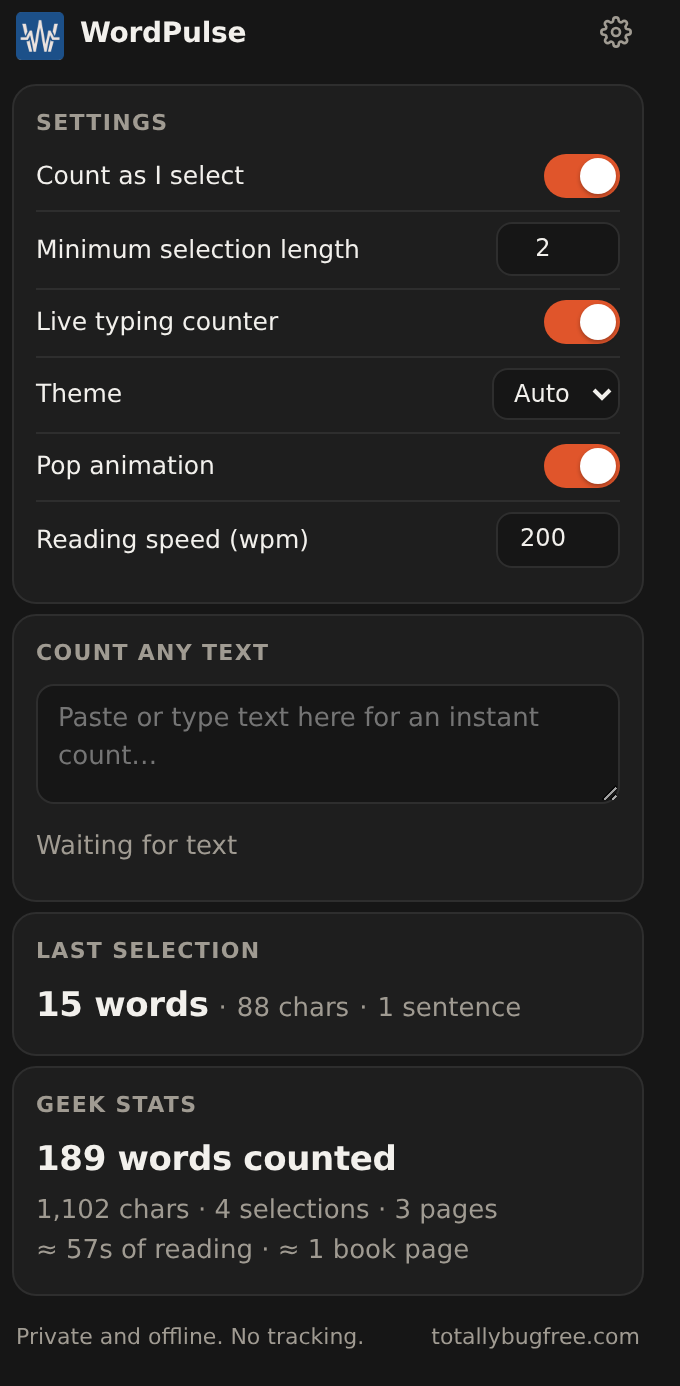
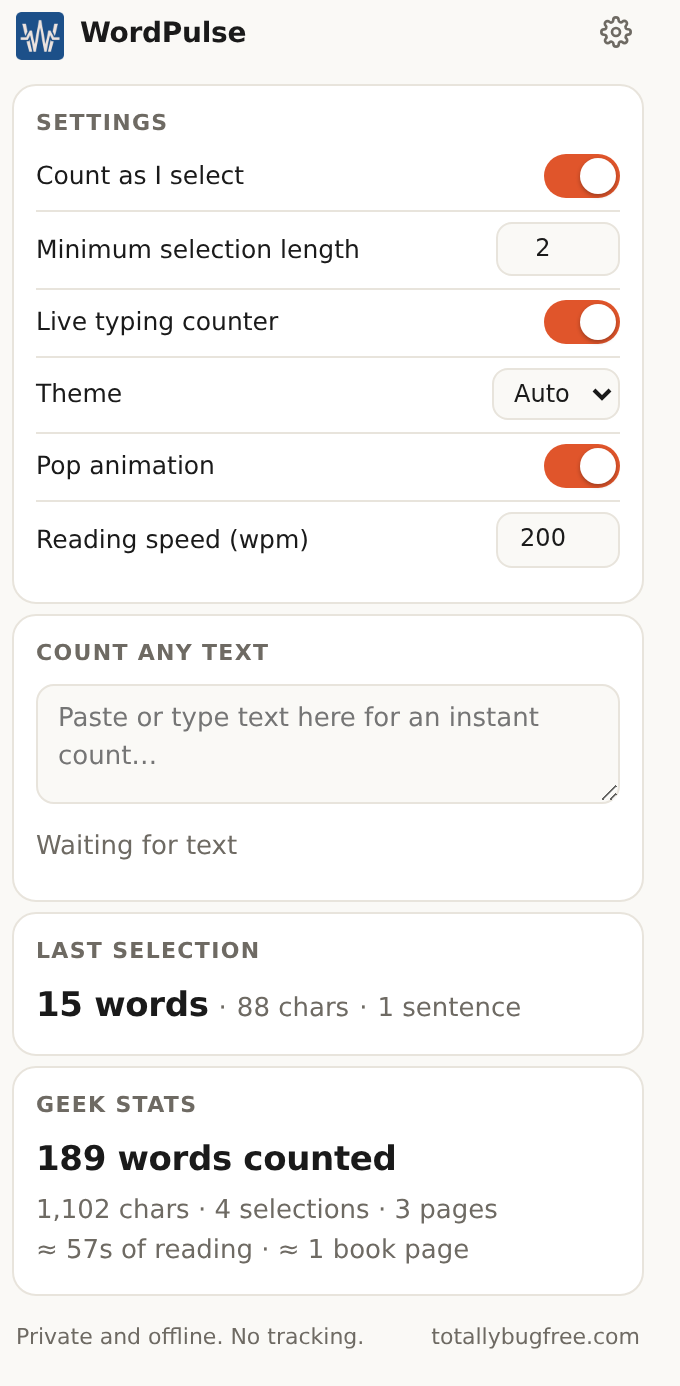
The WordPulse popup: settings, paste-to-count box, last selection and Geek Stats
45 words · 232 chars · 14s read
01 Select & count

Select. Count. Done.

Highlight a sentence, a paragraph, or a whole page. The count appears the moment you let go: words, characters and reading time, right at your selection.

  • Words, characters and reading time at a glance
  • No clicks, no toolbar, no interruption
  • Works on any site, in any language
02 Full breakdown

Every stat that matters

One tap opens the whole picture: characters with and without spaces, sentences, paragraphs, reading time, speaking time, unique words, average word length, punctuation, your longest word, and the words you use most often.

  • Eleven stats from a single selection
  • Word frequency at a glance
  • Copy the full summary with one button
03 Live typing

Built for people who write

A live counter follows you in any text box on any site. It counts as you think, and stays out of the way until you need it. Want quiet? Snooze it for 30 minutes or switch it off, right from the chip.

  • Live count while you type, on any site
  • Snooze for 30 minutes in one tap
  • Switch off and undo from the chip itself
04 Drag & drop

Moves where you need it

The count card and the typing chip are draggable. Pull them away from whatever they are covering and drop them somewhere better. They stay exactly where you put them, even while the page scrolls.

  • Drag the card and the chip anywhere
  • Stays put across scrolling
  • Remembers where you like it
05 Translation

Read anything, in your language

Select a sentence in another language and the translation appears right under the count, on a chip of its own. It runs on Chrome's built-in on-device engine: your text never leaves your device.

  • Translation lands with the count, on the spot
  • Runs on device: nothing is sent anywhere
  • One-time download per language, then it works offline

How to use it

  1. Choose the language you want translations in: open the popup or the settings and pick it under Translate to.
  2. The first time you select a new language, tap Turn on once. Chrome downloads that language pack, a one-time download.
  3. After that, select any text in that language and the translation appears under the count, even offline.
06 Geek stats

Numbers that grow with you

WordPulse quietly keeps your lifetime totals: words counted, characters, selections, pages, typing sessions, reading time, and the paperback pages all of that adds up to. It lives in your browser, on your machine. There is nowhere else for it to go.

189 words counted 1,102 chars 4 selections 3 pages ≈ 57s of reading ≈ 1 book page
WordPulse in dark mode showing Geek Stats: 189 words counted, 3 pages, about 1 book page of reading
07 Privacy

Private is not a setting. It is the architecture.

WordPulse makes no network requests. Ever. No accounts, no ads, no analytics. Your text and your stats never leave your browser, because the code has no way to send them anywhere. Settings travel inside your own browser profile.

No network calls

The extension has zero fetch and zero XHR code. It cannot phone home, because there is no phone.

No accounts, no ads

Nothing to sign up for, nothing to sell, nobody watching. Install it and use it.

Nothing to leak

Counts are computed on your machine and stay in your browser. Private is the default and the only mode.

Now available on the Chrome Web Store

Count everything. Send nothing.

WordPulse is live and free. Add it to Chrome and count something.